Switch on push notifications
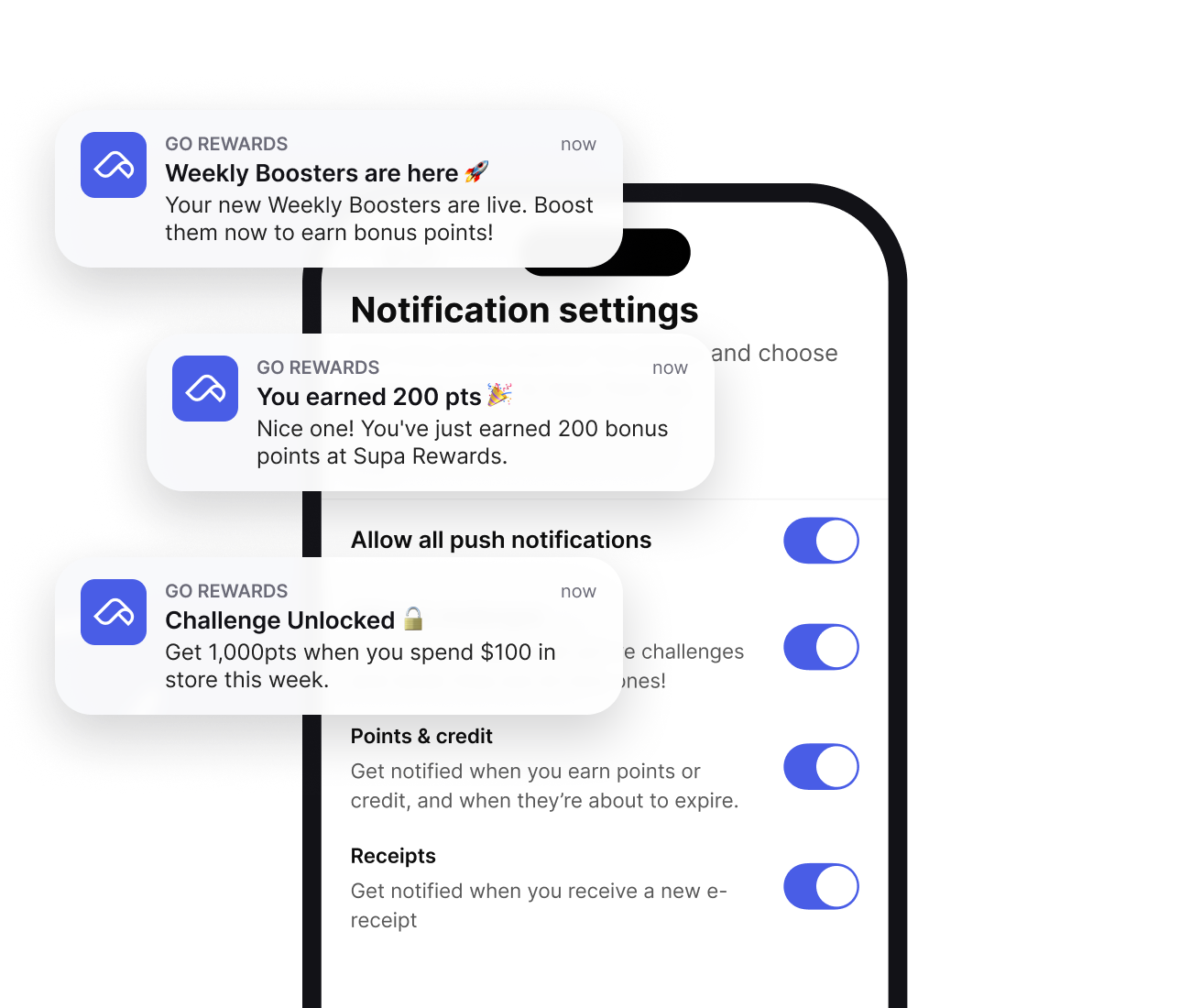
Be the first to know when new Weekly Boosters, Challenges and bonus offers land in your Go Rewards app.
How to switch on my push notifications
Four easy steps so you never miss an offer again!
Step 1
Open the Go Rewards app
Grab your phone and open the Go Rewards app. Push notifications can only be managed in the Go Rewards mobile app.
Step 2
Head to your Profile page
From your home page, tap your Profile icon in the top right hand corner of the screen.
Step 3
Open Notification settings
On your Profile page, scroll down and tap Notification settings to see all the ways we can keep you in the loop.
Step 4
Switch on your notifications
Switch on Allow all push notifications, or choose exactly what you want to be notified about – like Offers and challenges, Points and credit, and Receipts.
You can update your preferences at any time.
Have a question for us?
If you have a question about your push notifications, please feel free to get in touch.