How to activate my offers



How to activate your offers
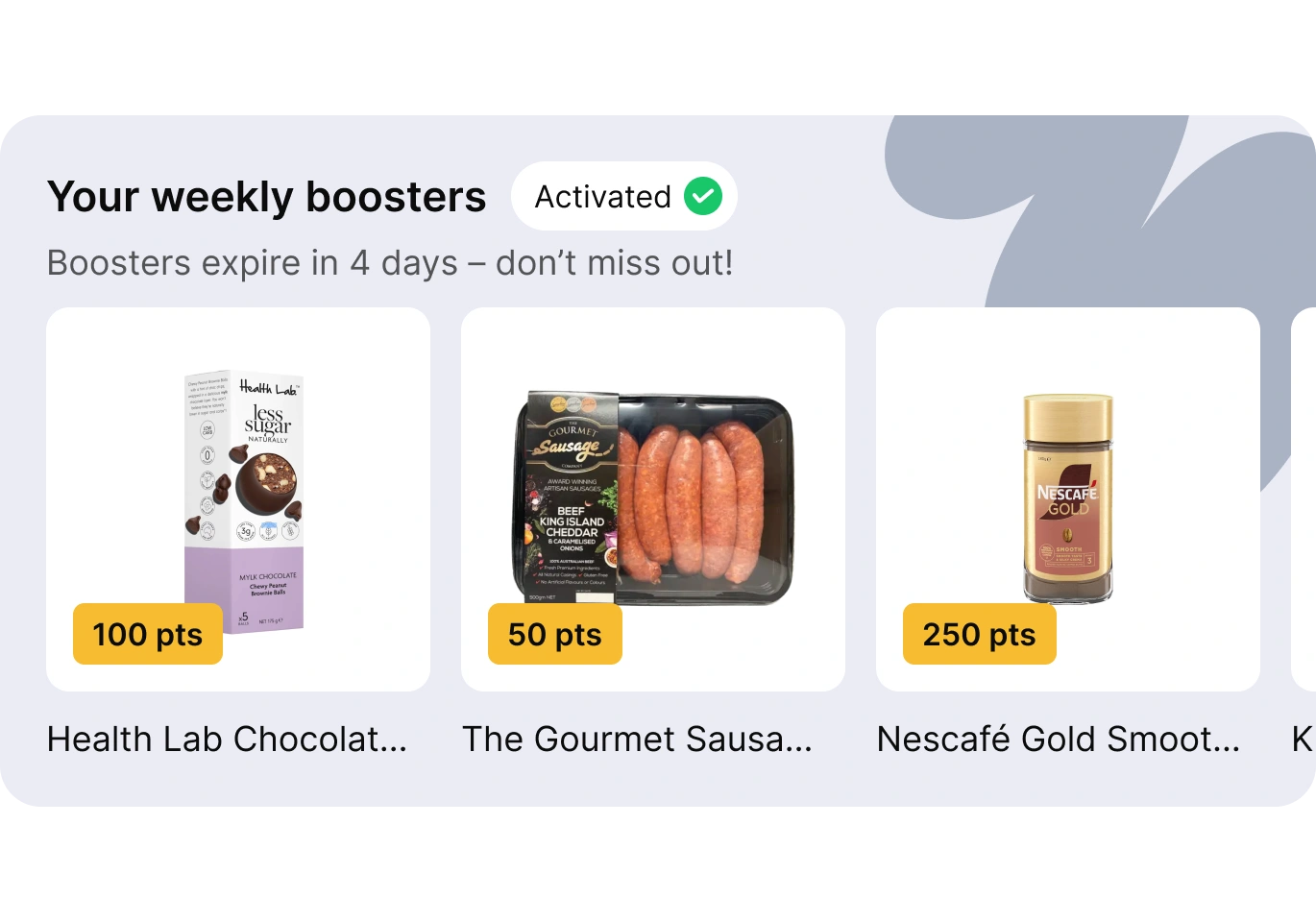
Weekly Boosters
Open your Go Rewards app.
Head to the rewards program you want to activate offers for.
That’s it! Once you land on the rewards program homepage, your offer activate automatically.
Challenges
Open your Go Rewards app.
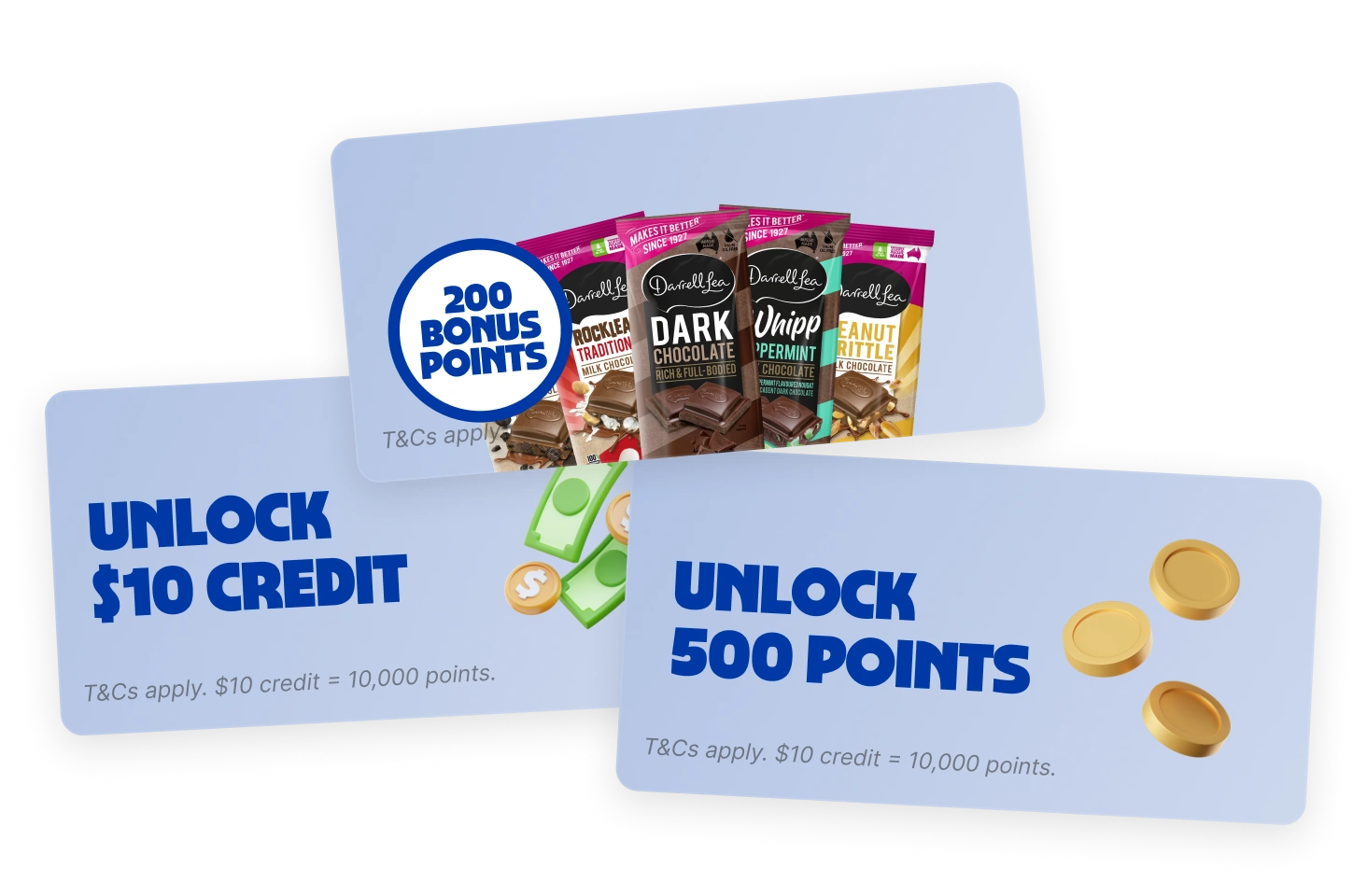
Find your challenges in your favourite rewards program home page - these are at the top!
Hit the ‘Activate’ button in the top right hand corner to activate your offer. You can view the challenge details and keep up to date with your progress by pressing the Challenge tile.
Member Bonus Offers
These offers are already active without you having to do anything! You can view a selection of Member Bonus Offers in your Go Rewards app and lookout for the full range in-store by spotting the Member Bonus tickets.
Have a question for us?
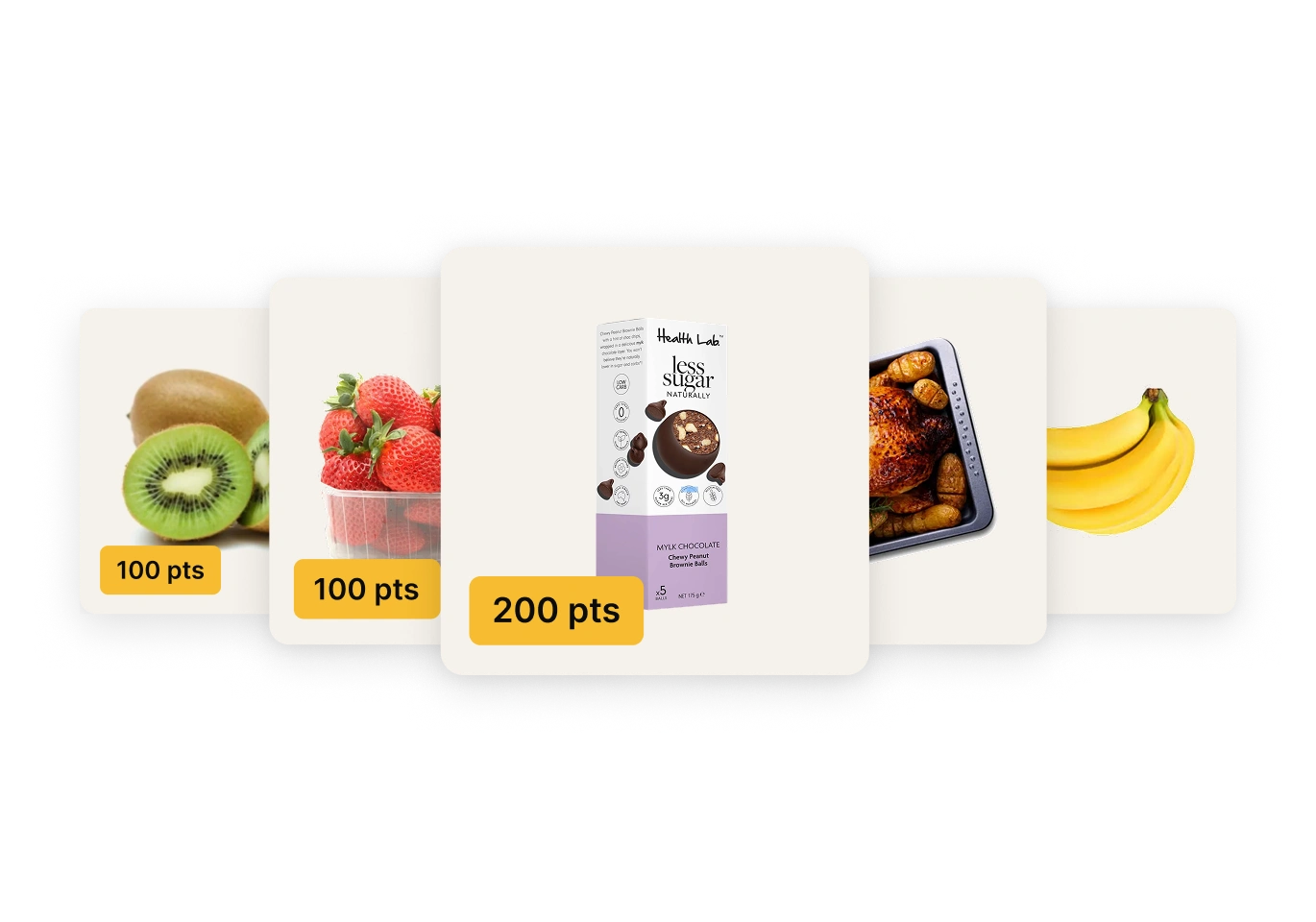
If you have a question for us regarding your Weekly Boosters, please feel free to get in touch.